
Car Parking Multiplayer MOD APK
(Unlimited Money and Gold)

| App Name | Car Parking Multiplayer MOD APK |
| Version | v4.9.10 (Latest) |
| Size | 2.1 GB |
| Features | Unlimited Money, Unlimited Gold, All Cars Unlocked |
| Android | 7.1 or above |
| Publisher | Olzhass |
Screenshots
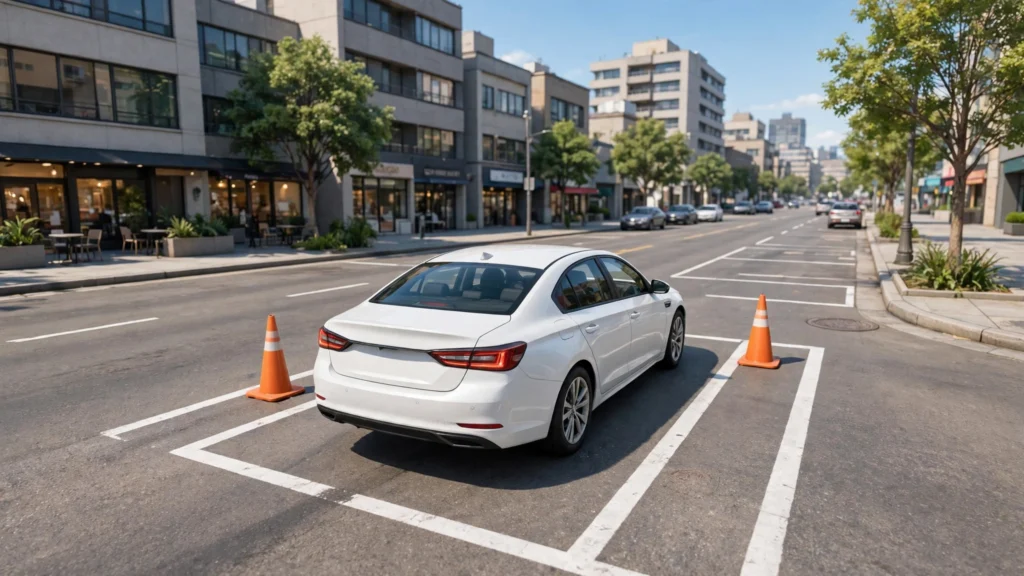
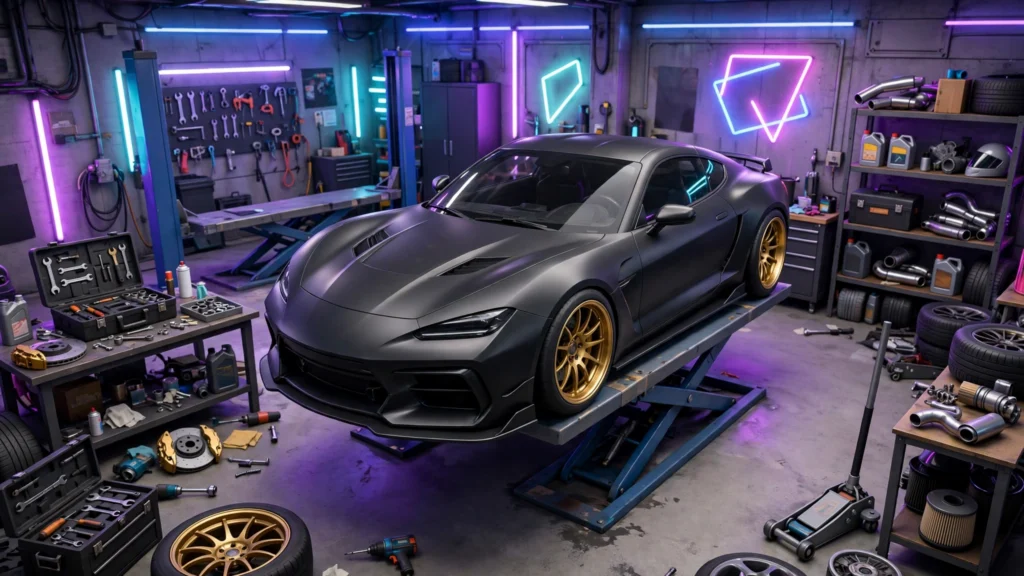

Premium Features
Unlimited Money

Start with a full wallet, so you can buy and build the cars you like without grinding for cash first.
All Cars Unlocked
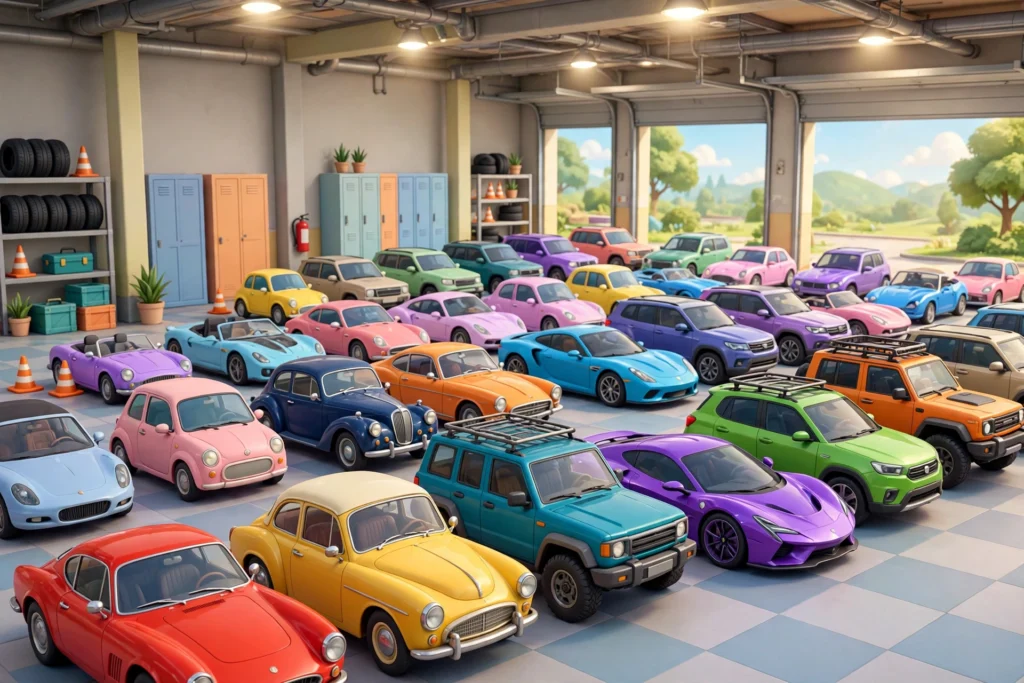
Every car in the garage is open from day one, letting you try different rides right away.
Unlimited Upgrades
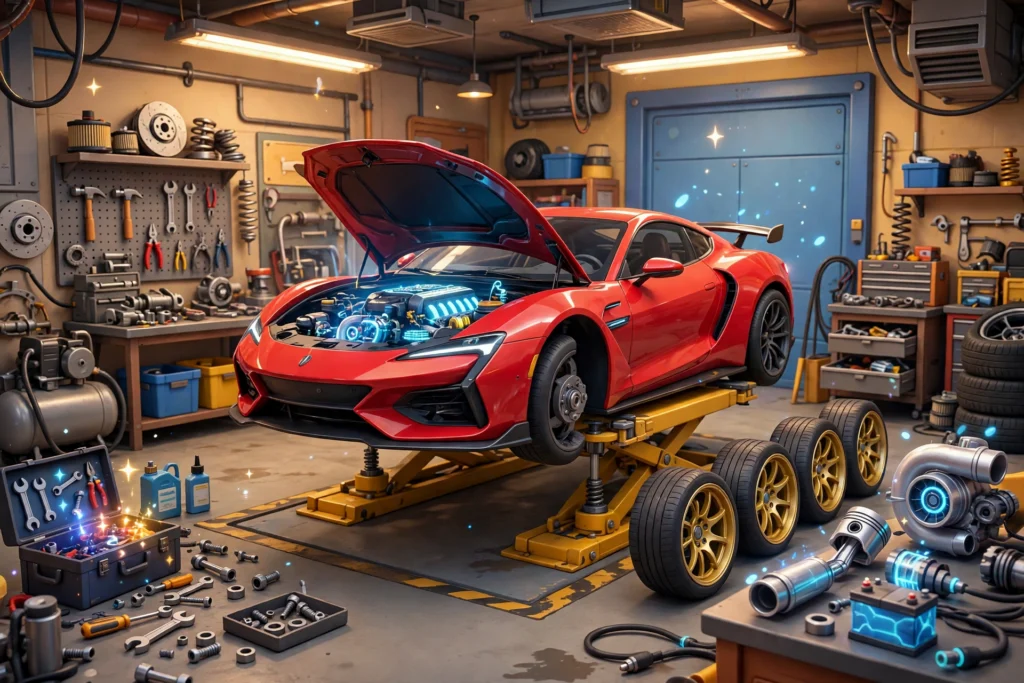
Tune engines, suspension and styling as much as you want without worrying about upgrade costs.
Unlimited Gold

Gold never runs short, so premium items and special options are always within reach.
No Ads
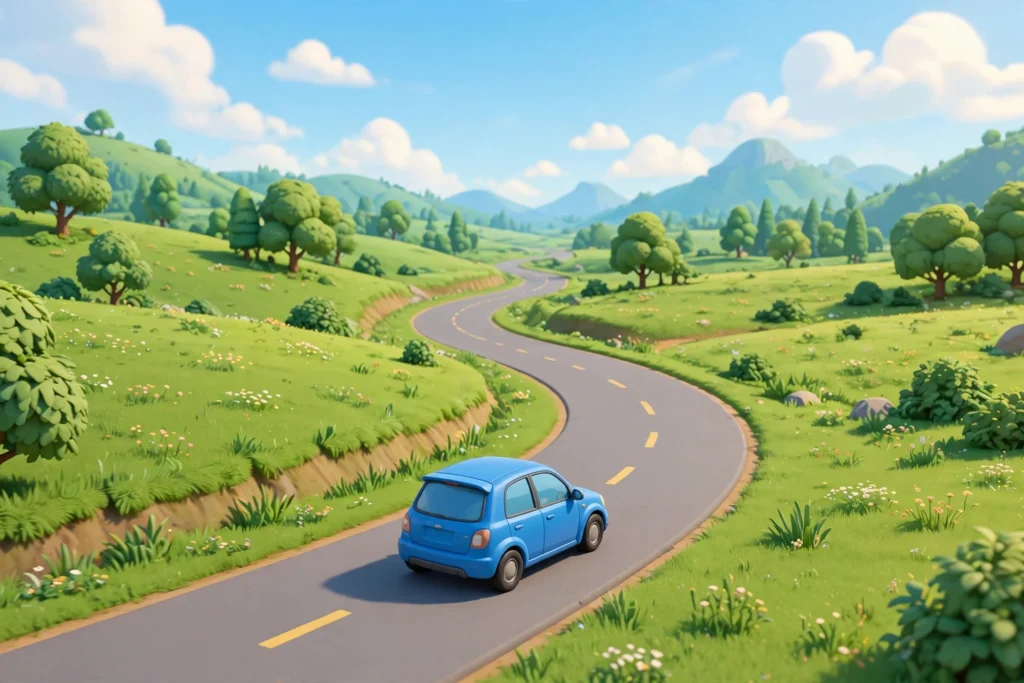
Play without pop-up interruptions and stay focused on parking, cruising and chatting with friends.
Unlimited Fuel
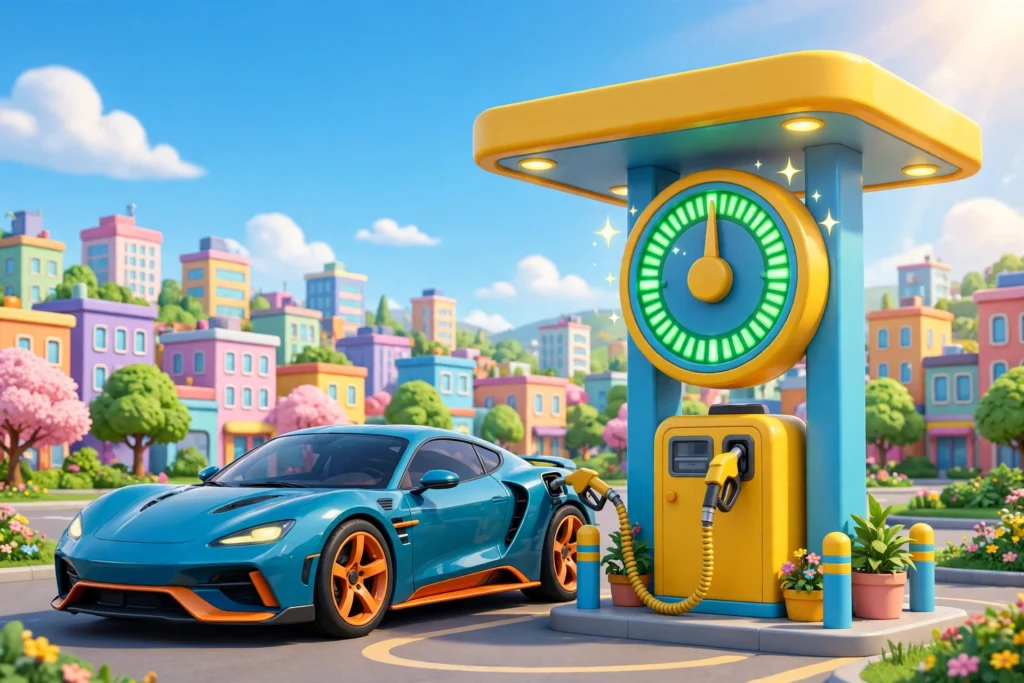
Keep driving for as long as you like, because your tank never runs dry in this version.
Everything Unlocked (Mega Menu)
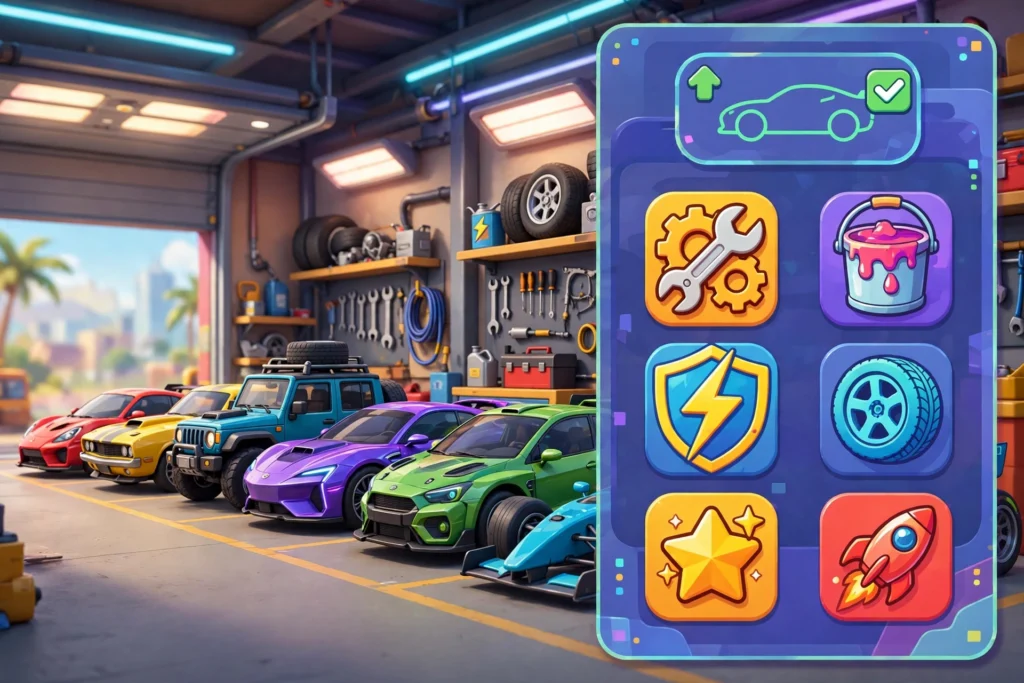
The mega menu gathers every unlock in one place, so you can switch on money, cars and extras together instead of hunting through separate menus. Set it up once, then get straight back to parking and cruising.
Vehicle Customisation
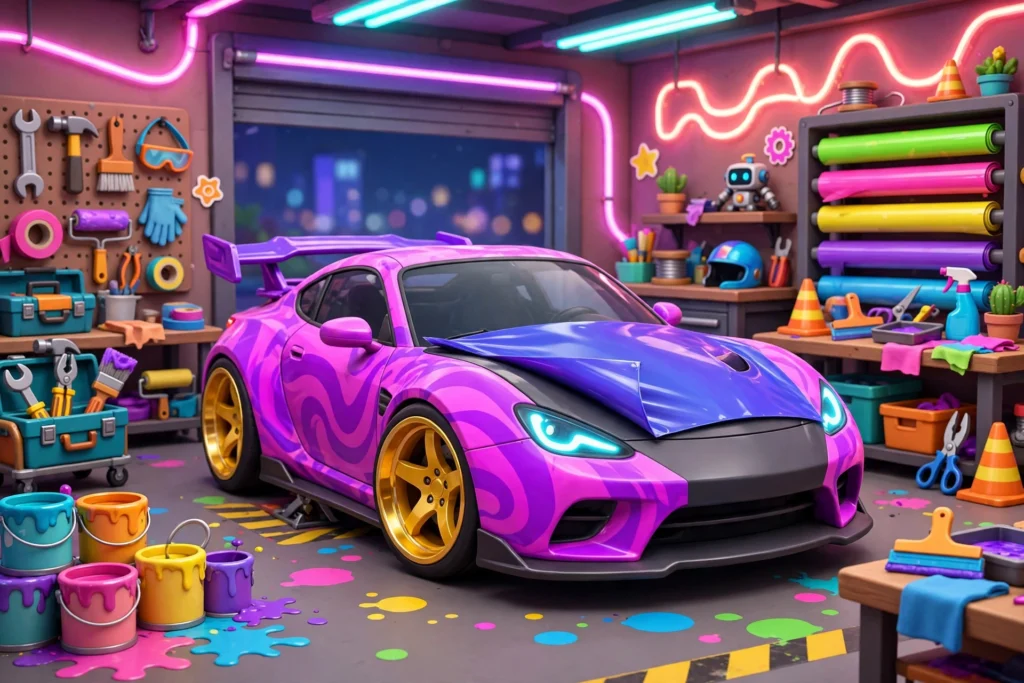
Every styling and tuning option is open, from paint, wraps and rims to spoilers, suspension and neon. Build a car that looks exactly the way you pictured it, without saving up for each part.
Houses Unlocked
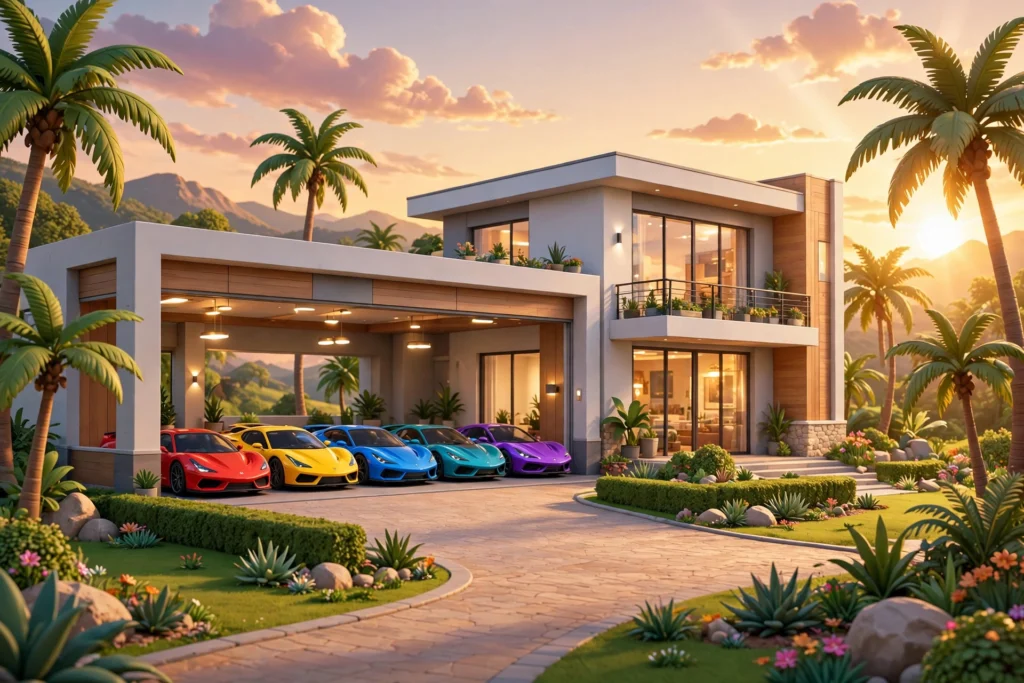
All houses and garages are available from the start, giving you a base in every part of the map. Park your collection, meet friends and start your drives from whichever home you like best.
Police Mod
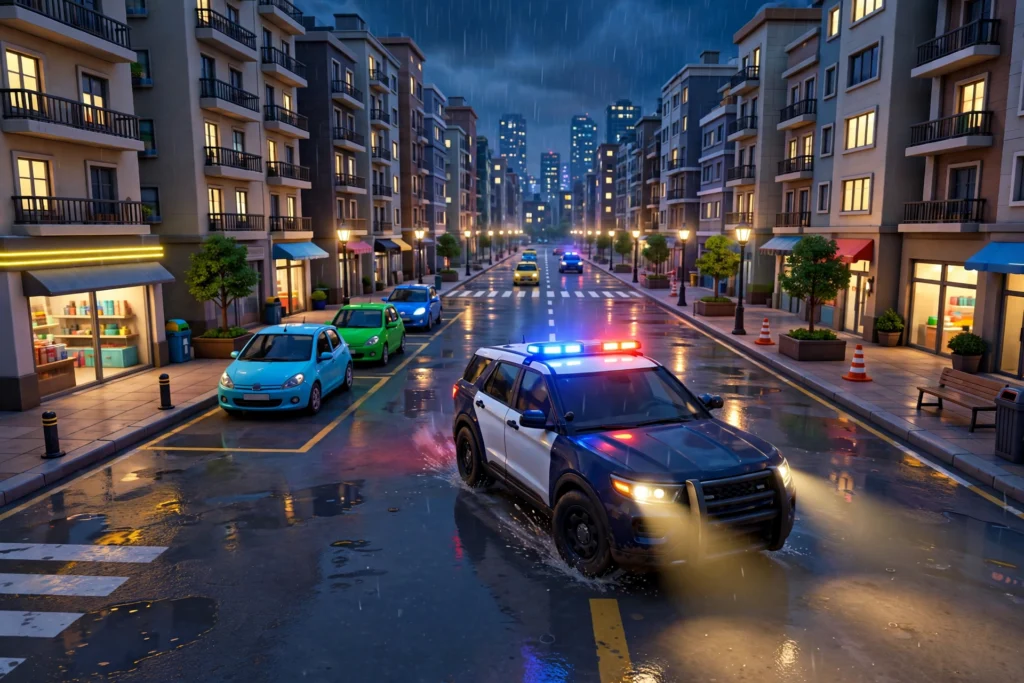
The police mod lets you swap sides and patrol the streets, run checkpoints and chase down reckless drivers. It adds a completely different role-play style to the usual parking and cruising.
All Horns Unlocked
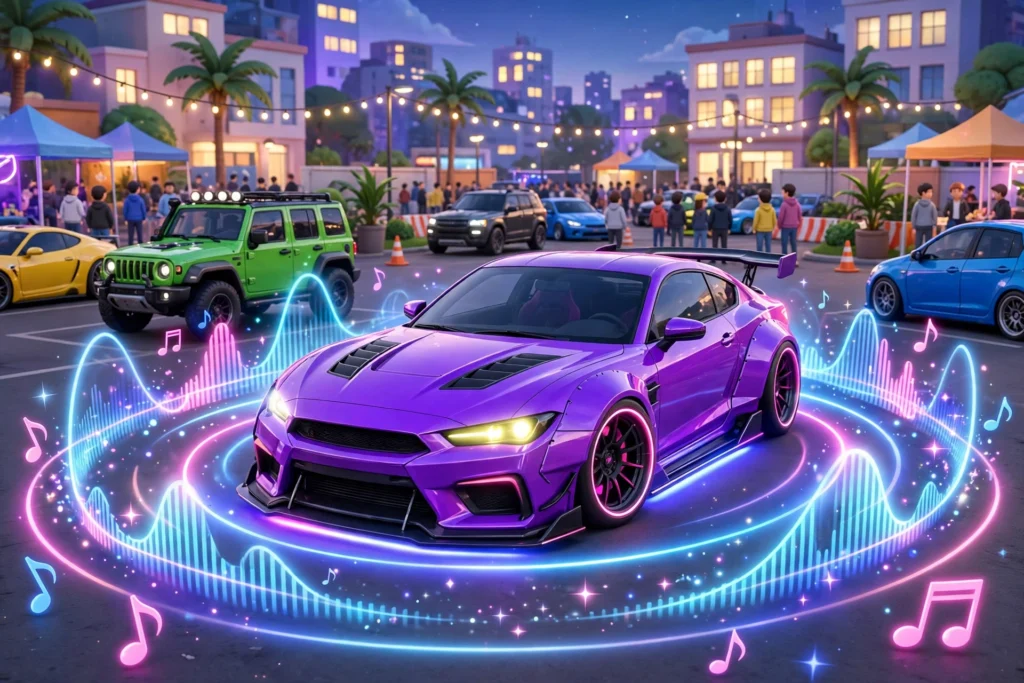
Every horn sound is unlocked, so you can pick a polite beep, a deep truck blast or something that turns heads at a meet. It is a small touch that makes your car feel properly yours.
Smoke Colours Unlocked
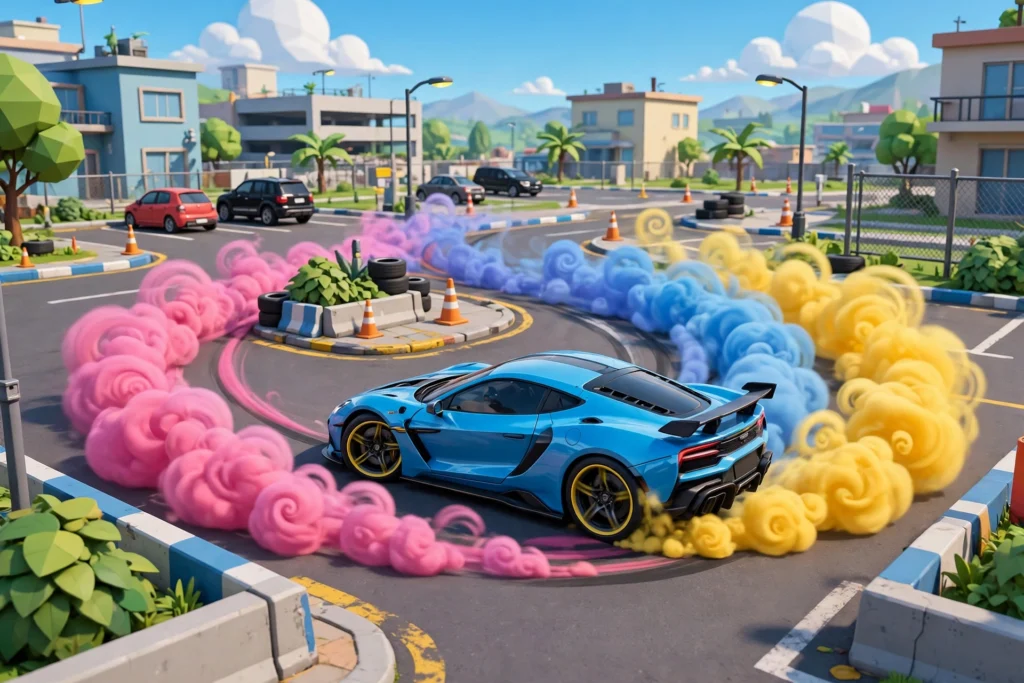
All tyre smoke colours are open, adding a bright trail of colour whenever you drift or spin the wheels. Match the smoke to your paintwork for photos, videos and stylish arrivals.
All Characters Unlocked
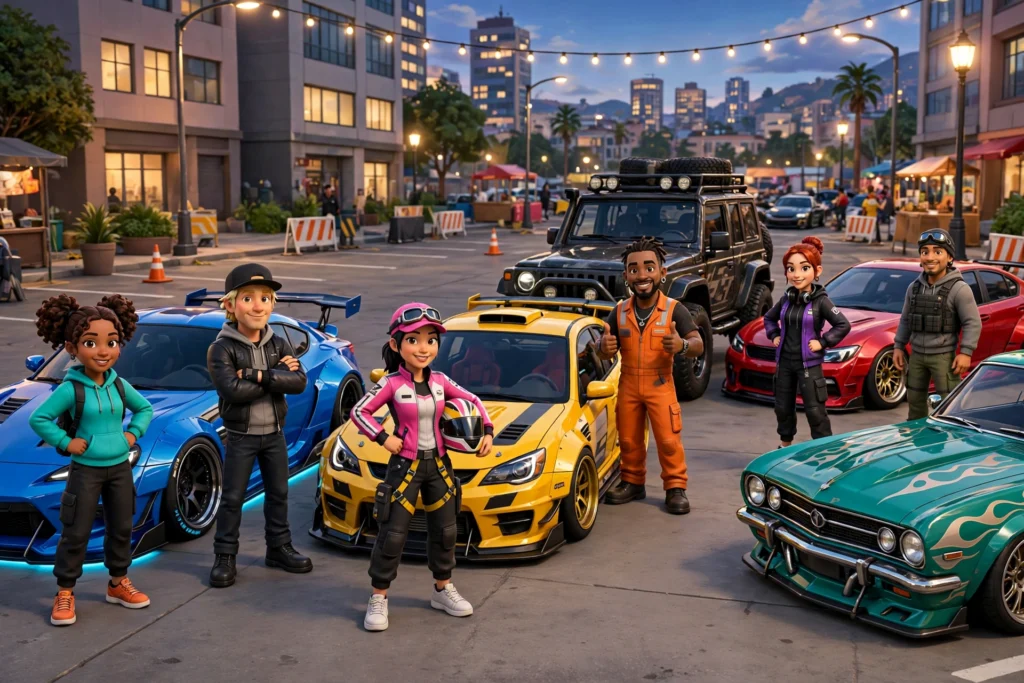
Every character and outfit option is available without the usual grind, so your driver can look the part from the first session. Mix and match styles to stand out when you step out of the car at meets.
No Damage (God Mode)

With damage switched off, your car stays pristine through bumps, shunts and the occasional heavy landing. Practise tricky manoeuvres and explore freely without paying for repairs or restarting with a wreck.
No In-Game Purchases

Nothing in this version asks you to spend real money, so there are no checkout prompts standing between you and the content. Everything listed here is included in the download from the start.
Anti-Ban / No Blacklist
The build is presented as keeping your account clear of blacklists, so your cars, progress and garages stay as you left them. As with any modified game, sensible play is still the wisest approach.
All Skins Unlocked
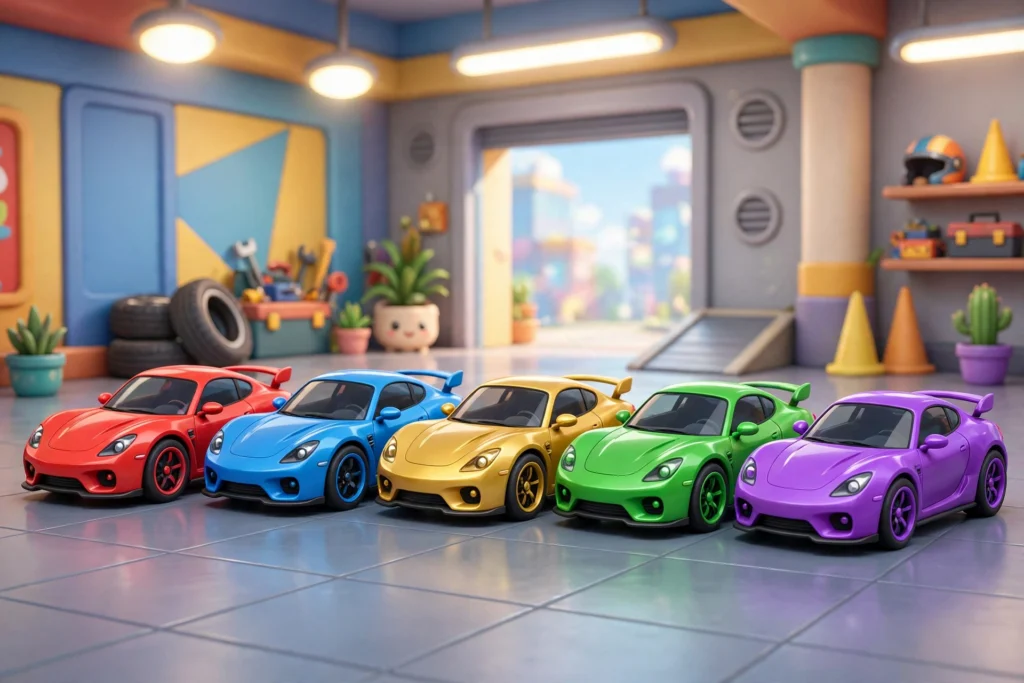
All vehicle skins and liveries are unlocked, from clean factory looks to bold designs that stand out in traffic. Change the whole character of a car in moments, as often as you like.
General Features of Car Parking Multiplayer
Car Parking Multiplayer is far more than a test of reversing neatly into a marked bay. What began as a parking simulator has grown into a broad driving world where careful manoeuvring is only the starting point, and where exploring, trading, tuning and spending time with other players matter just as much. The features below explain the main systems that shape everyday play, so that new players can see what is available from their first session and returning players can decide where to focus their time and earnings next.
Game Modes
The game offers several distinct ways to play, and most people move between them depending on their mood and the time they have available. In single player mode you can explore the map at your own pace, practise awkward manoeuvres without pressure from other drivers, and learn the handling of a new car before taking it into a busy server. The dedicated parking mode is focused entirely on precision, presenting marked bays, cones, ramps and tight obstacles that reward slow steering, small corrections and patience rather than speed, with each completed level building confidence for the next. Online mode opens the same streets to real players from around the world, turning quiet roads into lively meeting places where you can cruise in convoy, compare builds, join impromptu races or simply park together and talk. Police mode changes the rhythm completely, letting you patrol as an officer, watch for careless or dangerous driving and pull over players who ignore the rules, while everyone else enjoys the added risk of trying to stay out of trouble. Because your cars, money and customisation carry across every mode, practice alone still improves your time online.
World Sale
World Sale is the marketplace where players buy and sell cars directly with one another, and it often becomes a destination in its own right. Instead of choosing only from the standard garage, you can browse vehicles that other players have already tuned, painted and priced, including rare combinations of parts, liveries and engine setups that would take hours to recreate yourself.
Selling works in the same open way: set a fair price for a car you have built, list it, and wait for a buyer who values the work you have put in. Prices vary with demand, condition and originality, so checking recent listings before you buy or sell helps you avoid overpaying and spot a genuine bargain when one appears.
Free Walking
Free walking lets you leave the driver seat and explore the world on foot, which changes how the game feels in a surprisingly big way. You can stroll around a car meet to admire details up close, stand beside your own car for photographs, walk into nearby areas that are easy to miss at driving speed, or meet friends face to face rather than through windscreens.
Walking also supports role play, because players can gather at a fuel station, a car park or a favourite viewpoint and organise cruises, shows and challenges before getting back into their cars. It is a small feature on paper, yet it makes the world feel lived in rather than simply driven through.
Car Upgrades
Upgrades begin with the exterior, where you can reshape the look of a car with new bumpers, spoilers, side skirts, wheels, window tints, lights, wraps and liveries. Lowering the suspension, adjusting wheel fitment and choosing a careful colour scheme can turn an ordinary hatchback into a show car, and many players spend as long perfecting the appearance of a build as they spend driving it.
Performance upgrades go much deeper than appearance. Stronger engines, including highly sought after swaps, can transform acceleration and top speed, while turbocharging and other tuning parts let you build anything from a sensible daily driver to an extreme straight line machine. Each change affects how the car behaves, so testing after every major upgrade helps you keep speed under control when parking and cornering.
The gearbox deserves equal attention, because gear ratios decide how that power actually reaches the road. Adjusting individual ratios can give you quicker launches, smoother cruising or a higher top speed, and a well judged setup will suit your favourite mode better than simply choosing the most powerful option. Small, patient changes, tested one at a time, usually produce a car that is both faster and far more enjoyable to drive.
Gaming Experience
Two players can own exactly the same car and still have very different sessions, because the experience depends on presentation, controls, weather and the people around them. This section looks at the details that make the game feel convincing, from the sound of an engine at idle to the way a sunset changes a familiar street.
Graphics
The cars are modelled with clear body lines, reflective paint and detailed interiors that reward a close look when you walk around them. Streets, buildings, road markings and lighting are simple enough to run smoothly on many phones, yet varied enough that each district feels distinct. On stronger devices, higher settings add sharper textures and smoother shadows, making evening cruises and photo sessions look especially good.
Sound
Engine notes change with speed and load, so a gentle parking manoeuvre sounds calm while a hard launch feels urgent and loud. Everyday effects such as indicators, horns, tyre noise and doors add useful feedback and help the world feel busy even before you see other traffic. Playing with headphones makes it easier to judge revs and to hear friends clearly when you are using voice chat in a crowded server.
Controls
On-screen steering, pedals and buttons can be arranged to suit your hands, and sensitivity settings let you choose between quick reactions and fine, slow adjustments. Tilt, wheel and touch options each have their strengths, although most players find that a carefully adjusted touch setup gives the most consistent control for tight parking. Taking a few minutes to set camera angles and button sizes before a long session prevents many avoidable scrapes and restarts.
Paint and Customisation
The paint system lets you choose solid colours, metallic finishes and detailed liveries, then apply them consistently across a whole car or panel by panel. Stickers, plates, wheel colours and tint choices make it possible to copy a real world style or invent something completely personal. Because other players see your design online, a distinctive finish is often the first thing that starts a conversation at a meet.
Gameplay
Offline play is relaxed and predictable, making it ideal for learning levels, testing a new tune or enjoying a quiet drive without interruption. Online play is less predictable in the best possible way, because real drivers bring traffic, conversation, trade offers and spontaneous events to every session. Moving regularly between the two keeps progress steady: practise a skill alone first, then take it into a public world when you feel ready.
Climate and Time of Day
Changing weather and time settings alter both the look of the world and the way you approach a drive, with rain, fog and darkness demanding slower speeds and greater care. A bright morning makes parking lines and obstacles easy to read, while night driving relies more on headlights, street lighting and familiarity with the map. Trying the same route in different conditions is a simple way to make familiar roads feel fresh again.
In-Game Mobile
Your in-game phone is a handy hub that brings several activities together without forcing you back to the main menu. From it you can take taxi work and earn money by carrying passengers to their destinations, launch a drone for an aerial view of your surroundings, check available tasks that give a session a clear purpose, or try bus service driving, where a larger vehicle and a set route test a completely different kind of patience and precision. These options are ideal when you want a break from parking levels but still want structured goals.
Clan Feature
Clans give regular players a shared identity and a reason to return to the same group rather than drifting between anonymous servers. Members can coordinate meets, help one another with tunes and trades, share advice with beginners and build a recognisable presence through matching plates, colours or liveries. For many people the social routine of a clan, rather than any single level, is what keeps the game enjoyable over months.
Character Customisation
Your driver is visible whenever you walk, so character customisation matters more than it first appears. Clothing, appearance and accessory choices let you create a look that matches your car, your clan or simply your own taste, making group photographs and meets feel more personal. Changing an outfit is also a quick way to mark a new build or a special event without changing the car itself.
How to Download and Install
- Tap the Download Now button at the top of this page and wait for the file to finish downloading.
- Open your phone settings and allow installs from your browser or file manager if Android asks.
- Find the downloaded APK file in your Downloads folder and tap it to begin installation.
- Follow the on-screen prompts and tap Install, then wait a few moments while it completes.
- Open the game from your home screen, let it load, and enjoy driving.
Original vs MOD: Quick Comparison
If you are deciding whether the standard release is enough or whether the modified version suits you better, the table below summarises the practical differences at a glance. The core driving, maps and modes are shared, but how quickly you can reach cars, currency and special options is very different.
| Feature | Original Version | MOD Version |
| Money | Limited and earned gradually through missions and jobs | Unlimited from the start |
| Cars | Unlocked progressively or bought over time | All cars unlocked and available |
| Gold | Limited, earned slowly or purchased | Unlimited for premium items |
| W16 Engine | Unlocked late or bought with premium currency | Unlocked and ready to use |
| Police Mode | Limited and earned through progress | Fully unlocked |
In short, the original rewards patience and gradual progress, while the MOD removes waiting and cost barriers so you can experiment freely. Players who enjoy earning everything slowly may prefer the standard route, whereas players who mainly want to build, tune and explore will usually feel at home with the MOD.
Required Permissions
Most modern games ask for a short list of permissions on first launch, and Car Parking Multiplayer is no exception. None of the requests below are unusual for a connected driving game, but it is sensible to know what each one does before you tap Allow, and which ones you can safely decline if you prefer.
Microphone
The game asks for microphone access so you can use voice chat with friends and other players in online rooms. You can decline it and still play, but you will need to rely on text chat and will not be heard in voice conversations.
Storage
Storage access allows the game to save your progress, cars, designs and downloaded data, and to read files needed during installation and updates. Without it, the game may be unable to keep your garage or load additional content correctly between sessions.
Network Access
Network access connects you to online servers, multiplayer rooms, World Sale listings, clans and live events. It is also used to check for updates, so single player parking can work offline while every social and trading feature needs a connection.
Audio Settings
Permission to adjust audio settings helps the game manage its own volume alongside calls, notifications and other apps, so engine and chat sounds stay balanced. It prevents sudden loud playback and makes switching between speakers and headphones smoother.
Bluetooth
Bluetooth access lets you use wireless headphones, speakers and supported controllers while you play. It is optional for touch play, but it gives you clearer voice chat and more precise control if you prefer a physical gamepad.
Tips for Beginners
The first few hours set habits that will stay with you for hundreds of levels. These practical tips will help you park more cleanly, waste less time on restarts and enjoy the wider world sooner.
- Start in single player and finish the easier parking levels first, so steering, braking distances and camera control become familiar before other players add pressure.
- Switch camera views deliberately: use the outside view to judge gaps, the bonnet or cabin view for alignment, and small steering inputs rather than one large turn.
- Brake earlier than you think you need to and approach every bay slowly, because a calm second attempt is always faster than recovering from a collision and a restart.
- Tune a new car one change at a time and test it after each adjustment, so you learn what helped and avoid turning a good setup into an unpredictable one.
- Try several cars in the MOD garage before settling on a favourite, since a smaller, calmer car is often far better for learning than the fastest model available.
- Be courteous online: park considerately at meets, avoid blocking roads and garages, and observe how experienced players organise cruises before starting your own.
- Take regular short breaks from difficult levels and try a taxi job, a bus route or a free cruise instead, then return with fresh patience and a clearer eye.
How to Update Car Parking Multiplayer MOD APK
Updating keeps new cars, fixes and online features working, and it is usually straightforward if you install the new file over the existing game rather than removing it first. Removing the app before updating can delete local progress on some devices, so make a note of your account details and, where the game offers it, ensure your progress is linked before you begin. Always download the replacement file from a page you trust and check that the version number is newer than the one shown in your game.
- Check your current version in the game or in the app information on this page, and note it down before you download anything new.
- Return to this page, tap the download button and wait for the latest APK file to finish downloading completely.
- Open the downloaded file and install it over your existing game, allowing installation from your browser or file manager if Android asks. Do not uninstall the old version first.
- Launch the updated game, allow any additional data to download, then check your garage, money and settings to confirm everything has carried across.
How to Play with Friends
Playing with friends turns a good parking session into a social one, with convoys, meets and friendly challenges whenever you are all online. Follow these steps to connect reliably and, if you prefer a quieter session, keep your group together in a private room.
- Open the game, finish loading to the main menu and make sure your phone is connected to the internet.
- Choose the online mode from the main menu and wait until your character and car appear in the shared world.
- Open your profile to find your Player ID, copy it carefully and share it with your friend through your usual messaging app.
- Ask your friend for their Player ID, search for it in the friends section, send a friend request and wait for them to accept, or accept their request if it arrives first.
- Once you are friends, invite them to join your server or accept their invitation, then meet at an agreed place on the map.
- For a private session, use the private room option, create a room, set a code if asked and share that code only with your group, so you can cruise and park without strangers joining.