Car Parking Multiplayer MOD APK for iOS
Car Parking Multiplayer is fully available on iPhone and iPad through the Apple App Store, and the iOS version offers the same parking challenges, open-world driving and multiplayer community that made the game famous on Android. Because of that, iOS players sometimes wonder whether they can also install the popular MOD APK versions that promise unlimited money and gold. The honest answer is important, so let us start with it plainly: there is no working MOD APK for iOS, and this guide explains why, along with everything you can do instead.
The Honest Truth About MOD APKs on iOS
An Android MOD APK file cannot be installed on an iPhone or iPad, full stop. APK is the package format used by Android, while iOS uses a completely different system and only allows apps installed through the App Store or official enterprise channels. There is no true iOS equivalent of a mod apk: any website claiming to offer a “CPM MOD for iOS” download is misleading you, and such files are often a front for scams, endless surveys or malware. Apple also actively blocks sideloaded and modified apps, so even workarounds that existed in the past stop working quickly. If you play on iOS, the safe and supported path is the official game, and anything else puts your device and your account at risk.
This matters because the mod scene is built around Android’s open file system. On iOS there is simply no door for a modified game file to walk through. The sooner players understand this, the sooner they can stop chasing fake downloads and start enjoying what the legitimate version offers, which is considerable.
How to Download CPM on iPhone and iPad
Getting the official game on your Apple device is simple:
- Open the App Store on your iPhone or iPad.
- Tap Search and type “Car Parking Multiplayer”.
- Find the official game by Olzhass in the results and tap Get.
- Wait for the download to finish, then open the game from your home screen.
- Complete the short tutorial and sign in or create a profile to save your progress.
Features iOS Players Get
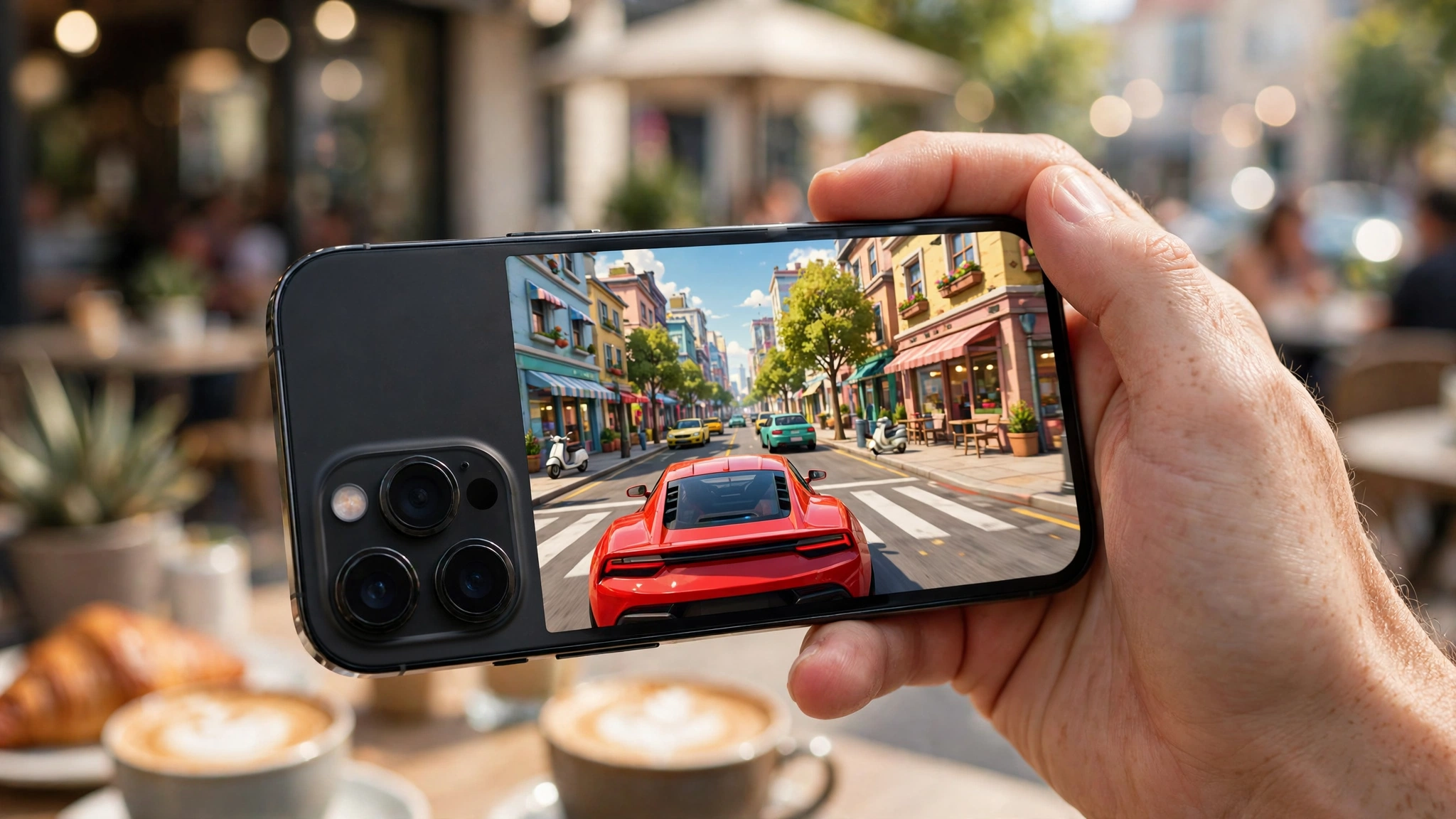
iOS players are not getting a cut-down experience. The App Store version includes the full set of parking missions, the open world with free roam, detailed car customisation with paint, body kits and tuning, and the same online multiplayer where you can meet other drivers, join car meets and take part in events. Updates arrive on iOS just as they do on Android, so you stay in step with the wider community. Touch controls are well tuned for iPhone screens, and on iPad the larger display makes precise manoeuvres noticeably easier.
Tips to Progress Faster Without a Mod
You do not need unlimited money to build an impressive garage. Focus on these habits and your earnings will grow steadily:
- Complete daily missions and events first: they pay out far better than casual free roam.
- Master parking challenges early: precise, damage-free runs earn the biggest bonuses.
- Spend on one versatile car before collecting many: a well-tuned all-rounder earns faster than a garage of stock vehicles.
- Join multiplayer events: many pay bonus rewards just for taking part.
- Save gold for what matters: avoid spending premium currency on cosmetics until your main cars are upgraded.
Staying Safe: Spotting Fake iOS Mods
Fake iOS mod sites tend to follow the same playbook, so they are easy to spot once you know the signs. They promise a direct download but then ask you to complete surveys, install unrelated apps or enter personal details before the “download” unlocks. Others ask you to install a configuration profile or an enterprise certificate, which hands control of part of your device to strangers. A genuine App Store game never asks for any of this. If a site triggers any of these red flags, close it and get the game from the App Store instead.
CPM on iPhone vs Android: Key Differences
The core game is the same, but the experience around it differs in ways that matter day to day. On iPhone, everything arrives through the App Store: installation, updates and payments all use Apple’s systems, and the game file itself is signed for iOS. On Android, the game arrives through Google Play for most players, although Android also allows direct installation of app files, which is exactly why modified APKs exist there and why no equivalent can work on an iPhone.
Performance can feel different, too. Apple sells a relatively small range of phones and tablets, so developers can tune the game closely for those devices, and recent iPhones generally run CPM smoothly on higher graphics settings. Android covers a huge range of hardware, from budget phones that need lower settings to flagship models that look superb. Controls, cars, customisation and multiplayer are shared across both platforms, and iOS and Android players meet in the same online world. The practical summary is simple: play on the device you already own and expect the same game, but accept that mods, file access and sideloading belong to Android only, and even there they carry risks.
There are smaller differences worth knowing. iOS tightly controls background activity and storage, so downloads and updates are tidy but you have less freedom to move files around. Android gives you more visible control over files and cache. Game Center on iOS and Google Play Games on Android each handle identity in their own way, so check how your CPM profile is linked before you switch platforms, as explained in the FAQs below.
System Requirements for iOS Players
Exact minimum requirements change as the game is updated, so always read the compatibility note on the current App Store listing before you download. In general, you will need an iPhone or iPad that still receives recent iOS updates, enough free storage for the game and its later updates, and a stable internet connection for multiplayer, signing in and downloading additional content. A device that is several years old may still run CPM, but you should expect to lower the graphics settings for a smooth frame rate.
As a sensible general guide, aim for the following:
- A relatively recent iPhone or iPad running a fully updated version of iOS or iPadOS.
- Several gigabytes of free storage, rather than only just enough for the first download, so that updates can install without errors.
- Reliable Wi-Fi for the first download and for large updates, and a good mobile signal if you play online away from home.
- Plenty of battery, or a charger nearby, because open-world driving and online play use power and make the device warm.
If the game stutters, close other apps, restart the device and reduce graphics quality and traffic in the settings before assuming your phone is too old. Keeping some storage free also helps iOS itself run properly. On iPad, the same advice applies, and the bigger screen gives you a clearer view when parking, at the cost of a device that is less comfortable to hold for long sessions.
How Updates Work on iOS
On iOS, CPM updates are delivered only through the App Store. When the developer publishes a new version, it may appear for some players a little earlier than for others, because store releases and automatic updates are often rolled out gradually. Your phone will usually update the game on its own when automatic updates are switched on, you are connected to Wi-Fi and the battery is charged. Nothing about an update requires a separate download from a website, and any site offering an update file for iPhone should be treated as fake.
To update manually, open the App Store, tap your account picture and check the list of available updates, pulling the page down to refresh it. If CPM is listed, tap Update and wait until it finishes before opening the game. Do not delete the app simply to force an update, because you could lose locally stored progress if your profile is not properly linked. After a big update, the first launch can take longer while new content is prepared, and you may be asked to download extra data inside the game. Updates matter because they bring new cars, events and fixes, and multiplayer normally requires everyone to be on a compatible version. If an update will not install, check your free storage, restart the device and try again on a different Wi-Fi network.
Staying Safe: Fake iOS Mod Scams in Detail
The earlier section introduced the warning signs. This section looks at how the most common scams actually work, because they are easier to resist once you can see the trick. The typical fake mod page copies real screenshots and the game’s logo, promises unlimited money, gold and unlocked cars for iOS, and then shows a large download button. Pressing it rarely downloads a game. Instead, you are sent through pages of adverts, told to complete a human verification survey, or asked to install unrelated apps and run them for a short time. The promised mod never arrives, because it does not exist, but the operators earn money from every survey and install you complete.
More dangerous versions ask you to install a configuration profile, trust an enterprise certificate or sign in with your Apple ID on a lookalike page. Never do any of these things for a game. A profile or certificate can give other people unusual control over how your device behaves, and a stolen Apple ID can affect your photos, messages, payments and other apps. Other scams ask for card details for a free verification, or send messages claiming that your account will be banned unless you confirm your password. The real game and Apple do not work in that way.
If you have already followed a scam page, stop, delete anything you installed, and remove any unfamiliar profile in the device settings under General and then VPN and Device Management, if that entry is present. Change your Apple ID password from Apple’s official app or website, check your payment methods, and turn on two-factor authentication if it is not already active. Then install CPM only from the App Store. Learning to walk away early is the strongest protection iOS players have.
Best Free Ways to Progress on iOS
Mods promise a shortcut, but steady free progress on iOS is entirely realistic if you spend your time and in-game money in the right order. Start each session with the highest-value activities rather than wandering aimlessly: work through parking levels cleanly, complete daily and timed activities when they are available, and repeat stages you can finish without damage until their rewards feel too small. Clean, accurate driving is worth more than rushing, because failed stages and careless restarts all slow your earnings down.
Build around one dependable car first. Choose a vehicle that suits most jobs, improve its important performance parts before buying decorative extras, and learn exactly how it steers and stops. A familiar, well-sorted car earns money faster in hard stages than a new, standard car bought on impulse. Save premium currency for purchases that genuinely help you progress, set yourself a target price for your next car, and avoid emptying your balance on small items whenever you log in. Over a few weeks, that discipline makes a visible difference to your garage.
Finally, use the community. Playing with friends, joining friendly multiplayer rooms and taking part in events makes progress feel less like grinding and often brings extra rewards and ideas. Watch how experienced drivers approach tight stages, ask about tuning choices, and practise difficult manoeuvres in free roam, where mistakes cost nothing. If the official game offers an optional rewarded advert or a free bonus, decide for yourself whether it is worth your time, but never pay a third party for money, gold or an account. On iOS, patience and regular play are the real free mod.
FAQs
No. MOD APK files are built for Android and cannot be installed on iOS. There is no genuine iOS mod apk, and sites claiming to offer one should not be trusted.
Not through mods. iOS players progress by completing missions, events and multiplayer activities, which is also the safest way to keep your account secure.
Yes, in all the ways that matter. The iOS release has the same gameplay, cars, customisation and multiplayer as the Android version, with updates released for both platforms.
Start by signing in on the iPhone with the same account you used on Android, and check in the game settings how your profile is linked before you delete anything from the old phone. If your cars do not appear, do not use third-party transfer tools or pay anyone to move your account. Contact the developer’s official support instead, because they are the only people who can help with account problems safely.
Parts of the game, such as practising and some single-player parking, can be enjoyed without other players, but multiplayer, events, signing in and updates all need an internet connection. For the full experience, and to make sure your progress is saved properly, play online whenever you can.
The game world, detailed cars and regular updates all need space, and extra content downloaded after installation adds to the total. Check your free storage in the device settings, keep several gigabytes spare for updates, and only reinstall the game if your progress is safely linked to your account, because reinstalling is a last resort rather than a routine fix.